Skip to Content

New J2Commerce 6.6.5 is out. Here is everything in the release.

See What’s New
Account
Enter the email address on your account.
Forgot your username?
Enter your password.
Forgot your password?

Or continue with

Reports

Plan restocks, discounts and follow-ups from your own numbers.

See detailed sales, download counts and abandoned carts in your admin, and export them when you need a file.

A curled printed spreadsheet covered in highlighter streaks and pen circles beside a laptop showing a sparse chart, with a pencil and a magnifier nearby.

Smarter Decisions

Three questions to ask before picking a report.

Three questions narrow the pick: what decision it informs, whether you can export it, and which release it fits.

  • What decision is it for?

    Restock, discount or follow up on an abandoned cart. Pick the report that answers the decision in front of you.

  • Can you export it?

    Detailed Sales exports filtered orders as CSV, ready for the accountant.

  • Which release is it for?

    Every card carries a release badge, so you can match a report to your store before you install it.

Reports

Report extensions with CSV export.

Export detailed sales and abandoned carts to CSV, ready for your accountant.

Filters

Search

Purpose
(2)

3 Reports

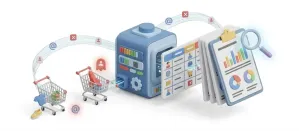
  • Report - Abandoned Carts

    Reporting J2Commerce

    See every cart that never became an order, with the customer's name and the cart's value on one screen.

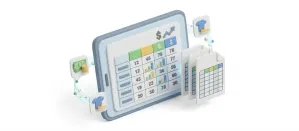
  • Report - Detailed Sales

    Reporting J2Commerce

    Find any order with 16 stackable filters and export the results in two CSV formats that line up.

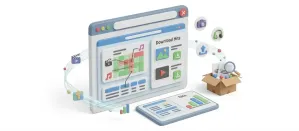
  • Report - Download Count

    Reporting J2Commerce

    Check each digital download purchase by order, with downloads left and the expiry date shown beside it.

FAQ
Questions about report extensions.

Itemized sales and product performance reports ship in the core package. The reports in this category add to them.

Each card shows the J2Commerce version it runs on, so you always know which build fits your store.

Yes. Detailed Sales exports filtered orders as CSV, and Abandoned Carts exports the carts left behind, with the customer email where there is one.

Talk to Support