Let the Buyer Fill the Gift Box
Gift Box Retailers
For wedding favors, corporate gifts or holiday baskets, let the buyer pick what goes in the box instead of offering many pre-made combinations.
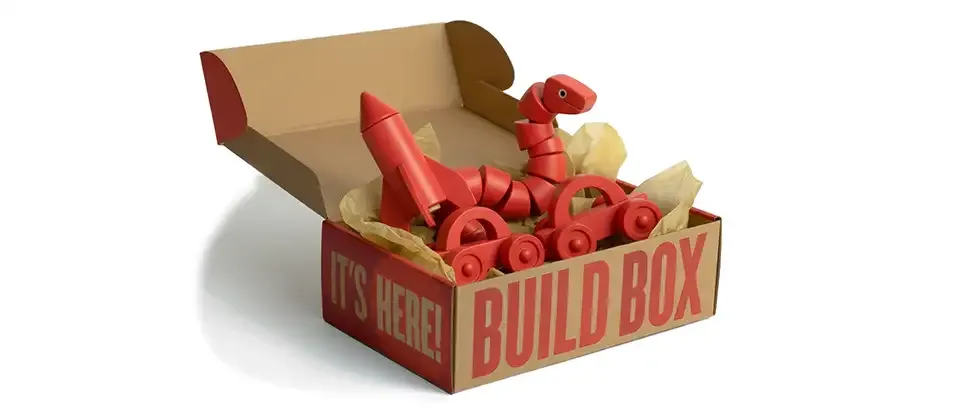
Box Builder adds a product type where shoppers pick the items that fill a box, such as a gift set, sampler or mixed six-pack, at a box price you set.
2
Inventory Modes
2
Tax Modes
4
Product Orderings
2
Display Views
Choose the products that can go in the box and the box size, and shoppers fill the slots and check out.
Products in a clean grid on the left, a visual "Build Your Box" sidebar on the right with slot previews. Slots fill in real time, progress reads "3/4 Items Selected," and every add gets satisfying visual feedback.
Responsive two-column product grid, a sticky floating progress bar, and touch-friendly quantity controls. No pinching, no zooming, no frustration.
Track stock at the box level (you have 50 boxes, you sell 50 boxes) or at the item level, so a customer who picks 3 of a product with 2 in stock knows before checkout fails.
Apply the box product's tax profile to the whole purchase, or calculate tax from each item's own profile. Different tax rates for different product categories? Handled.
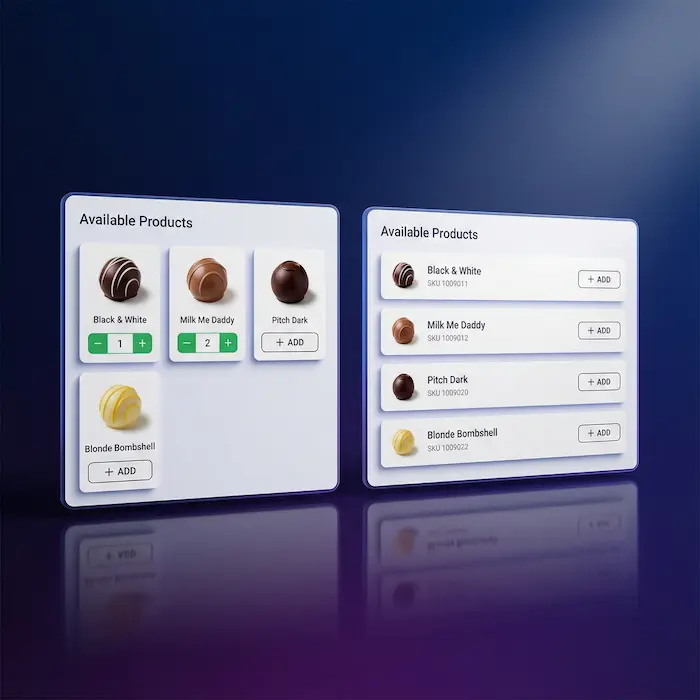
Bootstrap 5 card grid, 3 columns on desktop and 2 on tablet and mobile, or a compact list for stores with many options. Use the default or set it per product.
Show selectable items by article order, title, the order you added them in admin, or shuffled randomly on every load. Ascending or descending.
A fixed progress indicator follows mobile shoppers as they scroll: items selected, remaining slots, and a prominent action button that turns into "Add to Cart" when the box is full. Disable it if you prefer.
Toggle it on and customers can expand each box item's full product description and main image right on the product detail page. Useful when the details matter before selecting.
If someone builds a box containing downloadable products, those files get properly attached to their order. Download links work. Access grants work.
The interactive UI is built on Bootstrap 5 from the ground up. Works with Cassiopeia. Works with your custom template. CSS variables let you tweak colors without touching core styles.
Set a box size and the products that can go in it, and shoppers fill each box themselves.
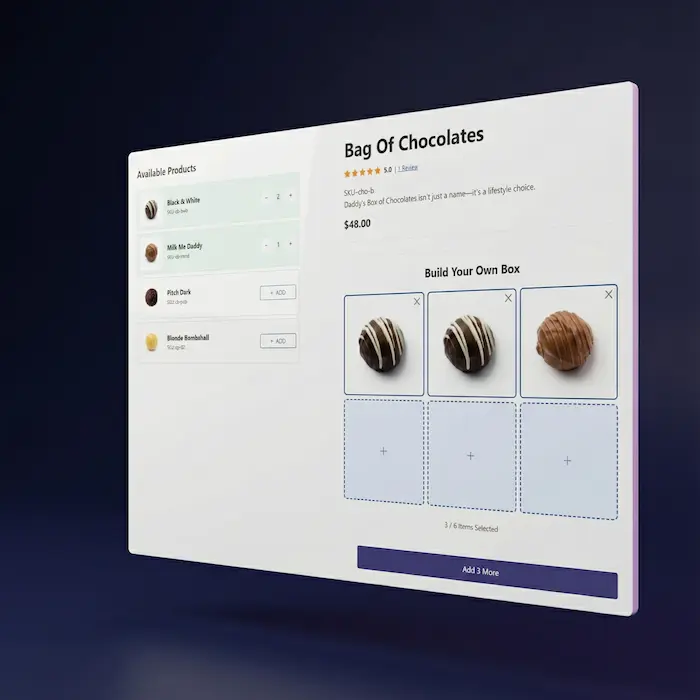
Use the default display or choose grid or list, and the product order, for each box product.
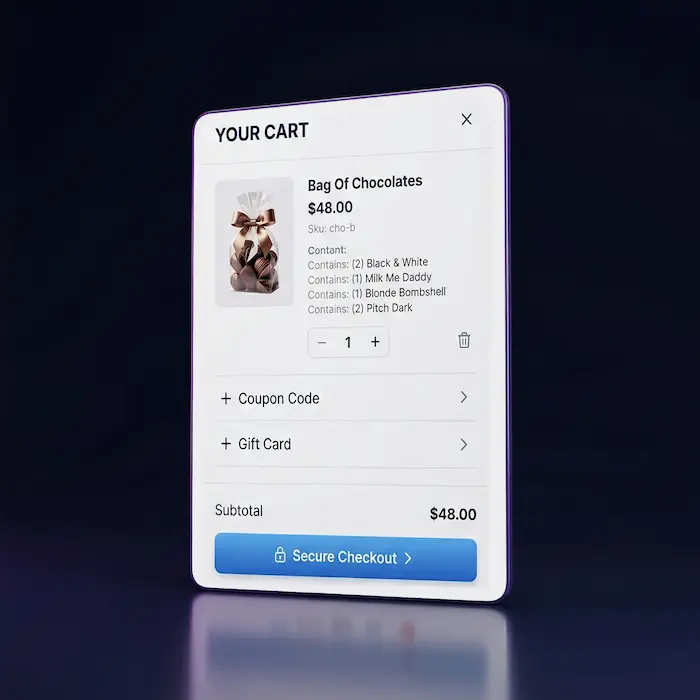
When a customer adds their built box to the cart, it shows up as a single line item with their selections listed:
Build Your Own 6-Pack $48.00 Contains: (2) Chocolate Chip Cookie (2) Oatmeal Raisin Cookie (1) Peanut Butter Cookie (1) Sugar Cookie
Matching items are combined into one line with a quantity.
Toggle the Item Details Display on and customers can expand to see each box item's full product description and main image right on the product detail page. Useful when your box items have important details customers might want to know before selecting.
Before you set up a box, note these limits:
Each box item must be a product with a single variant.
Box Builder Product Type gives your J2Commerce store on Joomla a genuinely interactive "build your own" experience without custom development, without hacky workarounds, and without breaking your checkout flow.
Anywhere the buyer should pick what goes in the box.
Gift Box Retailers
For wedding favors, corporate gifts or holiday baskets, let the buyer pick what goes in the box instead of offering many pre-made combinations.
Food & Beverage Shops
Build your own 6-pack of craft beer. Mix and match cookie boxes. Curate your own tea sampler. Customers get exactly what they want.
Sample & Trial Sellers
Offer "pick any 5 samples" bundles. Great for cosmetics, supplements, specialty foods, anything where customers want to try before committing to full sizes.
Wholesale & B2B
Let business customers build their own case packs. "Pick any 12 items for case pricing" is a lot more appealing than "buy these specific 12 items."
Translated into 20 languages.
 Arabic Unitag
ar-AA
Arabic Unitag
ar-AA
 Chinese, Traditional
zh-TW
Chinese, Traditional
zh-TW
 Danish
da-DK
Danish
da-DK
 Dutch
nl-NL
Dutch
nl-NL
 English (United Kingdom)
en-GB
English (United Kingdom)
en-GB
 English (United States)
en-US
English (United States)
en-US
 Finnish
fi-FI
Finnish
fi-FI
 French
fr-FR
French
fr-FR
 German
de-DE
German
de-DE
 Greek
el-GR
Greek
el-GR
 Hebrew
he-IL
Hebrew
he-IL
 Italian
it-IT
Italian
it-IT
 Japanese
ja-JP
Japanese
ja-JP
 Norwegian Bokmål
nb-NO
Norwegian Bokmål
nb-NO
 Polish
pl-PL
Polish
pl-PL
 Portuguese, Portugal
pt-PT
Portuguese, Portugal
pt-PT
 Russian
ru-RU
Russian
ru-RU
 Spanish
es-ES
Spanish
es-ES
 Swedish
sv-SE
Swedish
sv-SE
 Turkish
tr-TR
Turkish
tr-TR
Log in to share your review.
Let shoppers fill a build-your-own box from products you choose, with stock tracked at the box level or the item level.
Sell several items as one bundle with a single SKU and price, where available stock is capped by the scarcest item inside it.
Let shoppers save products to a wishlist without an account, then add the whole list to their cart when they are ready to buy.
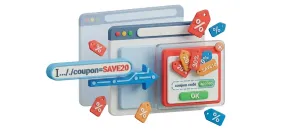
Put a coupon code in a link, and shoppers who click it land with the discount already applied and a branded popup confirming it.
Often Paired
Gift Card / Certificates turns a box into a present, Product Reviews shows what other shoppers picked, Subscriptions and Memberships handles repeat orders, and Wishlist saves favorites for the next box.
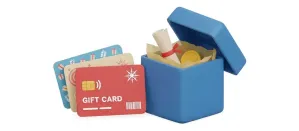
Turn any product into a gift card that is issued as a voucher and emailed to the recipient as soon as the order is paid.
Collect product reviews on your product pages and through post-purchase emails, then manage them all from your admin.
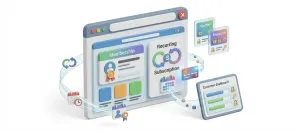
Sell recurring plans and memberships that bill and renew on their own, with failed-payment recovery and an MRR dashboard.
Let shoppers save products to a wishlist without an account, then add the whole list to their cart when they are ready to buy.
Choose a one- or two-year license, then check out.