

From J2Store
Migrator Available
The direct predecessor to J2Commerce 6. The current migrator release is version 6.1.11.
- Products, variants and categories
- Orders, order lines and customers
- Order statuses matched by name, not by id
Migration
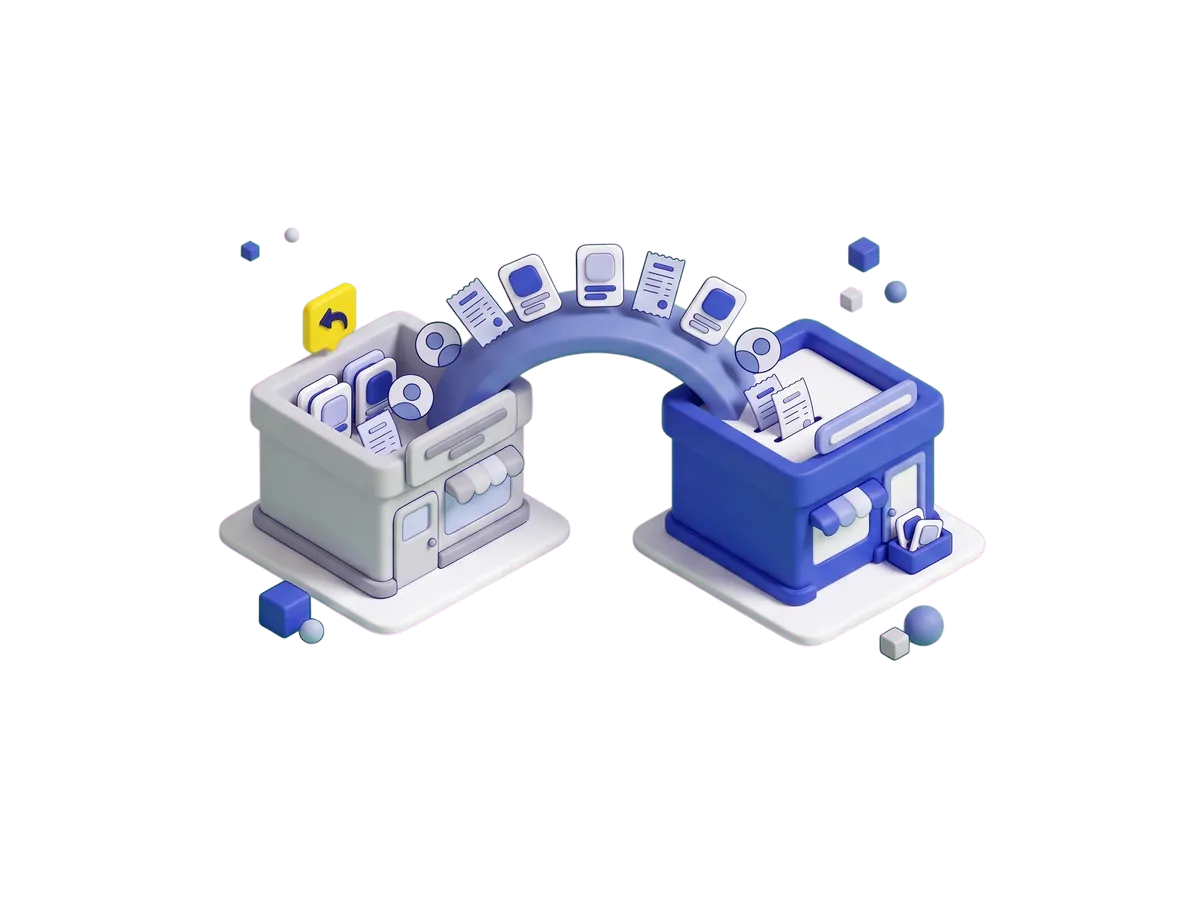
Your products, orders and customer accounts move into J2Commerce on a staging copy, where you check them before launch. Your current store keeps selling until you switch over.
Source Platforms
What moves off J2Store, WooCommerce, Shopware, VirtueMart, HikaShop and eShop when you switch to J2Commerce 6.
Migrator Available
The direct predecessor to J2Commerce 6. The current migrator release is version 6.1.11.
Migrator Available
Reads your WooCommerce data directly and writes it into J2Commerce. If your site content is moving to Joomla as well, the documentation covers both the store and the site.
Migrator Available
For stores that want to keep their order history but run the storefront inside a Joomla site.
Migrator Available
Your Joomla site, domain and users stay the same, so only the store data has to move.
Guided Import
Your products come across by CSV import and your Joomla user accounts stay where they are. Tell us about your store and we’ll estimate the work before you pick a date.
Guided Import
The same guided route as HikaShop: import the products, keep every Joomla account, and plan the move with us before you set a date.
What Moves
| Store data | Moves automatically | What to know |
|---|---|---|
| Products and categories | Yes | Names, descriptions, SKUs, prices, stock levels and the category tree. |
| Product variants | Yes | Option sets plus per-variant price, SKU and stock arrive with the parent product. |
| Orders and order lines | Yes | Order numbers are preserved. Statuses resolve by name, because status numbers differ per install. |
| Customers | Yes | Existing Joomla user accounts are reused rather than duplicated. |
| Addresses | Yes | Billing and shipping addresses land on the customer record and on the historic orders. |
| Extensions and plugins | No | Code, not data. Install and configure the J2Commerce equivalent of each one your store uses. |
| Gateway credentials | No | Entered fresh on your new store, so stored gateway secrets stay protected and never travel between installs. |
| Storefront design | No | Layout comes from your Joomla template plus the Bootstrap 5 or UIkit layouts in core. |
Every migrator leaves your source tables exactly as they were, which is what makes a rollback possible: point the menu items back and the previous store is still there. Take a full database backup as well.
The Process
Six staged steps: clone the site, install J2Commerce, install the migrator, import in stages, set up what’s code, then cut over.
Copy the live site and its database to a staging URL. Production stays untouched until the final cutover step, and the staging run shows how long the import takes.
Install the package on the clone. It sits beside the old store rather than on top of it, so both run side by side while you work.
Add the migrator for your source platform. It adds its own screen to the J2Commerce admin menu. Nothing to activate.
Confirm the field mapping, then import in stages: products, then customers, then orders. Each stage reports what it wrote and what it skipped, so you can account for every record.
Payment methods, shipping rates, tax rules and email templates are set up fresh, not copied. Place one real test order end to end before you continue.
Repeat the import on production during a quiet hour, switch the menu items, and add a redirect for every product URL whose path changed. Then check the first few orders as they come in.
Compatibility
Across apps, payment, shipping, modules, migration and reports.
Every listing shows a J2C 6 or J2S 4 badge, so you can see which version it works with.
Built and maintained alongside the core, under the same GPLv2+ license.
The old tables stay untouched, so the move always has a way back.
FAQ
Download J2Commerce 6 and start selling today.





