Skip to Content

New J2Commerce 6.6.5 is out. Here is everything in the release.

See What’s New
Account
Enter the email address on your account.
Forgot your username?
Enter your password.
Forgot your password?

Or continue with

Modules

Put your sidebars to work.

Fill any module position with a live cart, related products or featured items, so every page shows shoppers something else to buy.

Download J2Commerce 6 and start selling today.
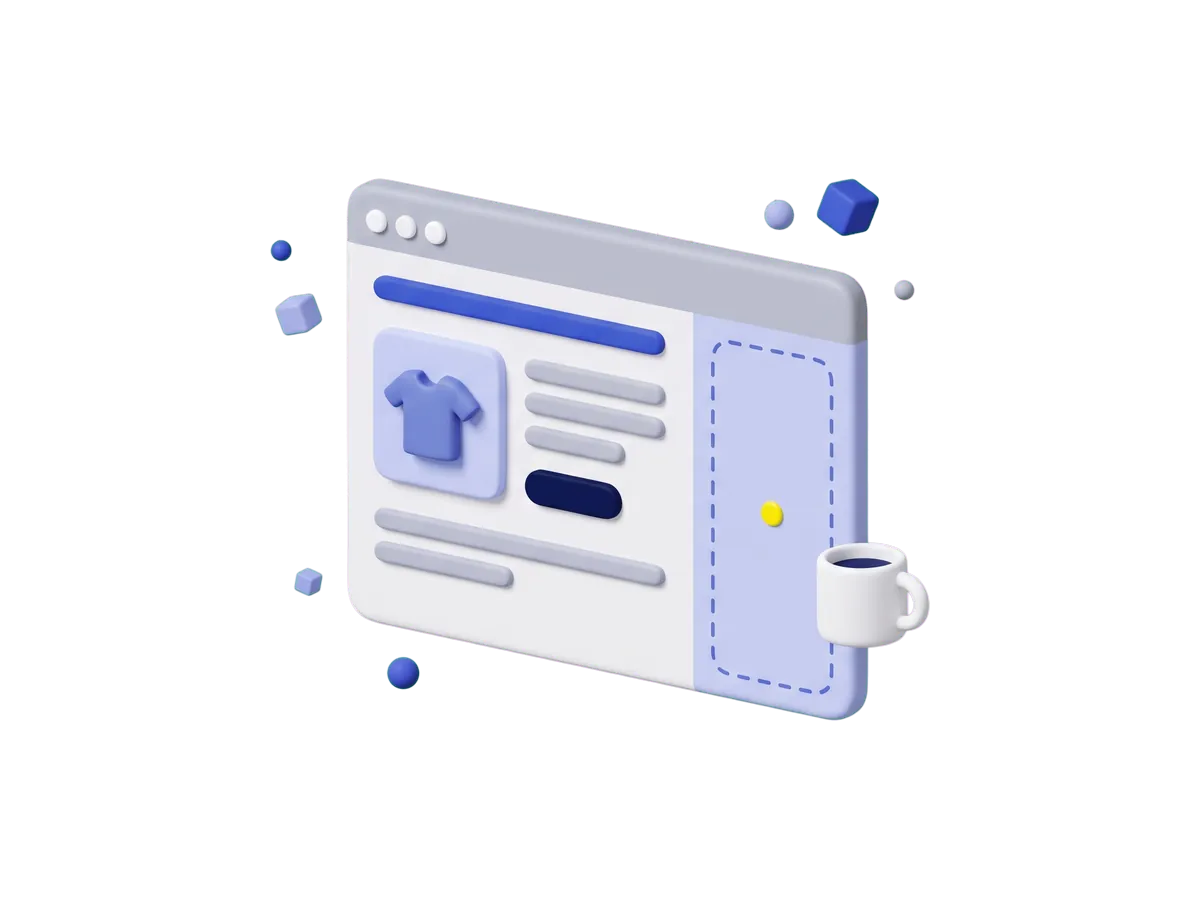
A product page in a browser window with a tall, empty dashed sidebar column next to the product details and a coffee cup floating beside it.

Modules

Product, search and cart modules for any page.

Each module fills a position your Joomla template already has, assigned in the Joomla module manager.

Filters

Search

Purpose
(1)
(1)

5 Modules

  • Detailed Cart Module

    Module J2Store/J2Commerce

    Show a full cart summary in any module position, with a shipping and tax estimator, and choose which product details appear.

  • Product Categories Display

    Module J2Commerce

    Turn your category list into an image-led grid or a swipeable slider that shoppers actually want to tap.

  • Product Display Module

    Module J2Store/J2Commerce

    Show products from categories, tags, hand-picked items or best sellers in a grid, card or carousel layout in any module position.

  • Product Search Module

    Module J2Store/J2Commerce

    Add a product search box so customers can search names, descriptions and SKUs within the categories you choose.

  • Related Products Module

    Module J2Commerce

    Show the upsells and cross-sells linked to the products in a shopper's cart, and let them add the extras without leaving the page.

FAQ
Answers to common module questions.

An app changes what your store does: how it bills, taxes or ships. A module changes what shows on the page, in a spot your Joomla template already has.

Anywhere your template has an open spot. You assign them in the Joomla module manager, the same way you place a menu or a login form.

Check the release badge on the card. J2C 6 marks a J2Commerce 6 build, and the compatibility filter brings in the labeled 4.x listings when you ask for them.

Talk to Support