Advanced Notifications
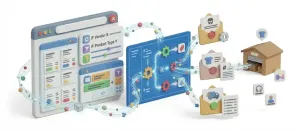
Send each order alert to the right person by country, status, product or vendor, and get scheduled low-stock warnings as well.
Order Statuses
Change the status, check Notify Customer, and the right email goes out in the same save. Your shoppers hear from you the moment their order moves.
Order Updates

A status email goes out the moment an order moves, so shoppers feel confident from checkout to delivery and know exactly where their order stands.
66%
Feel anxious at least sometimes after placing an order.
Narvar, 2025
8
Order statuses ship in the core, each with its own email.
In core: order statuses
Order Statuses & Emails
Order statuses trigger the email, and the action log records who made each change and when.
From pending payment to shipped and delivered, the core ships eight statuses, and you can add your own for a workflow that’s actually yours.
Every status carries its own email template, edited in the same admin, so the wording is yours, not a placeholder.
Flip an order to Shipped with Notify Customer checked, and the shipped email goes out in the same save.
A status change is logged with who made it and when, the same as any other change in your store.
ShipStation and any app listening for an order event all react to the same status change, so you don’t update the order twice: once for the shopper, and once for the tool that runs your warehouse or your books.
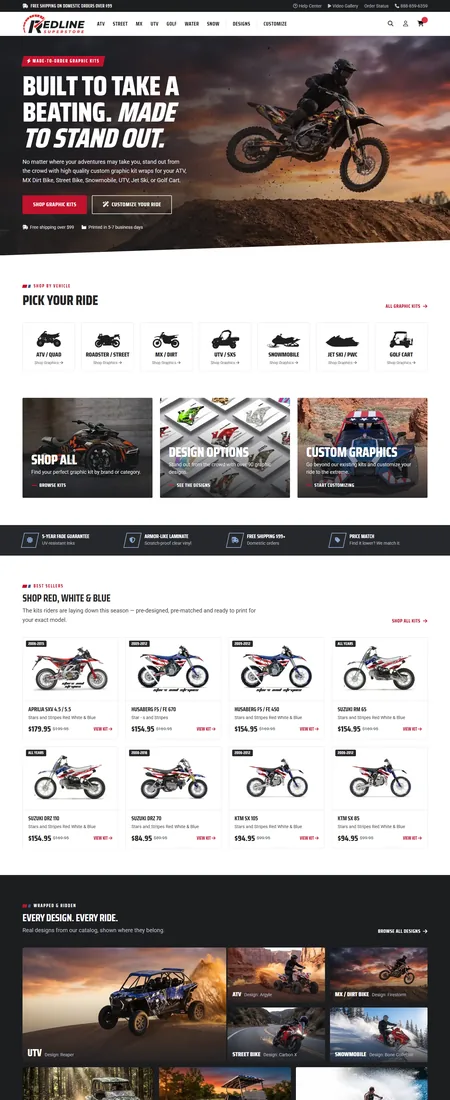
Redline Superstore, a powersports parts retailer, runs its store and checkout on J2Commerce. See more stores.
Going Further
Marketing, fulfillment and paperwork apps all react to the same order events core already fires.
Send each order alert to the right person by country, status, product or vendor, and get scheduled low-stock warnings as well.
Send cart, checkout and order events to Klaviyo with full customer profiles, so your Klaviyo flows can follow up with every shopper.
Attach a branded PDF invoice to every order confirmation email, and let customers download their own copy.
Push orders to ShipStation automatically when they reach your chosen status, and get tracking numbers back in your store.
FAQ
Download J2Commerce 6 and start selling today.