

Products Beside Your Content
Content-Led Store
A store that publishes articles places the module next to its content to show products from a related category, with price and the add to cart button visible.
Show products from categories, tags, hand-picked items or your best sellers in any module position, as a grid, cards or a carousel. You control whether the price, SKU, stock and the add to cart button appear.
Choose which products appear, how they are laid out and how much detail each one carries.
Display products from the categories you choose, including subcategories to the depth you set, from product tags, from products you pick one by one, or from your best sellers.
Sort by name, price, SKU, article order or at random, show only featured products, and set how many items appear.
Pick a layout and the number of columns, and give the carousel navigation, pagination, a scrollbar and autoplay as you like.
Show or hide the price, tax information, special prices, offers and SKU.
Show or hide stock information for each product.
Show the add to cart button with product options, without options, or send shoppers to the product page, with an icon-only button if space is tight.
Choose thumbnail or main image, its size and its position, including alternating left and right, plus a fallback image.
Add alternate layouts in your template's html/mod_j2commerce_products folder and select them in the module.
Place the module in your template and it lists products from your chosen source. Turn price, SKU, stock and the add to cart button on or off to suit the space.
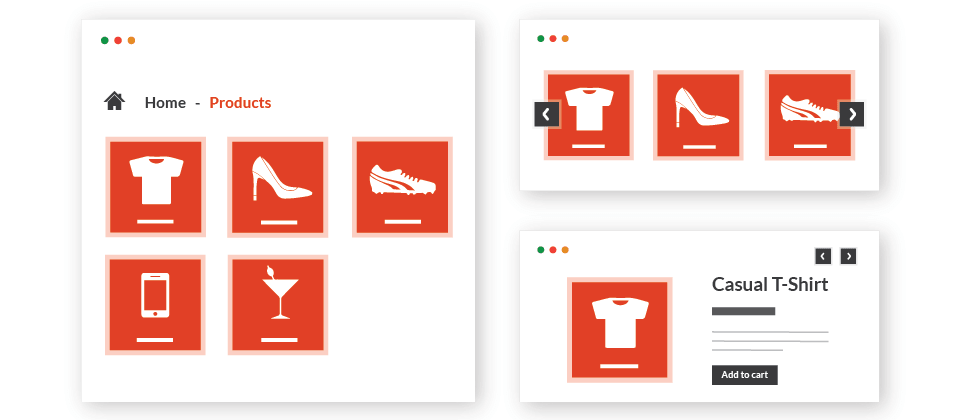
Add the module to your template and start showing products from your catalog alongside your content.
Content-Led Store
A store that publishes articles places the module next to its content to show products from a related category, with price and the add to cart button visible.
Growing Store
A store adds the module to its home page in carousel layout with the best-selling source, so new visitors see the products other customers buy most.
Log in to share your review.
Show products from categories, tags, hand-picked items or best sellers in a grid, card or carousel layout in any module position.
Documentation
User Guides





