

Storefront Accessibility
Let every shopper check out, keyboard included.
Every shopper completes checkout the same way, by mouse, keyboard or screen reader. The storefront is built to WCAG 2.2 AA, with visible focus, labeled fields and announced updates.
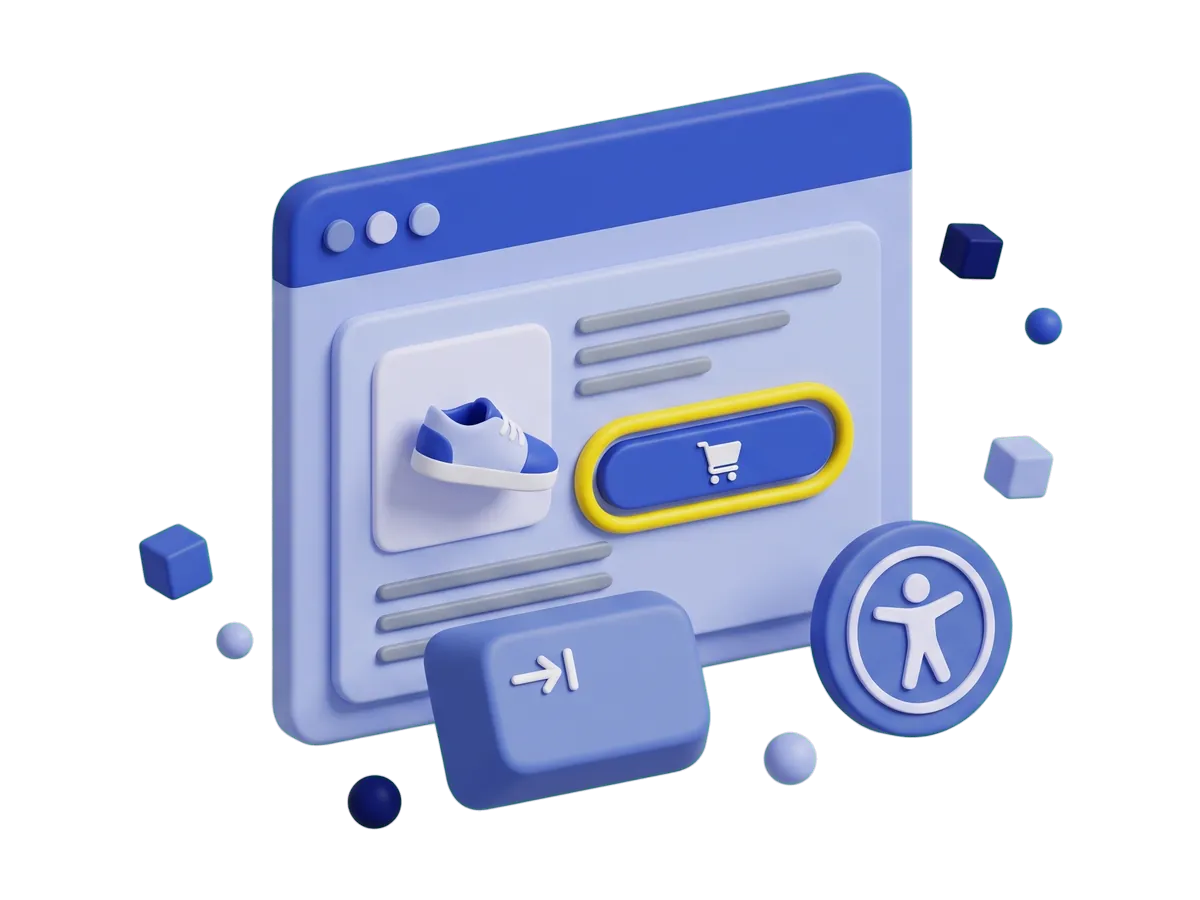
Inclusive Checkout
Labeled fields and announced updates through checkout.
Labeled fields and announced updates guide shoppers who browse by keyboard or screen reader all the way through checkout, so every visitor can finish an order.
-
95.9%
Of home pages fail a basic accessibility check.
WebAIM, 2026
-
89%
Of shopping cart pages fail WCAG testing.
AccessibilityChecker.org, 2026
-
35.8%
Of major US online retailers faced an accessibility lawsuit in 2025.
UsableNet, 2026
Accessible Storefront
WCAG 2.2 AA storefront features in both templates.
The storefront is built to WCAG 2.2 AA, so keyboard and screen reader users can buy.
-
Focus You Can Always See
Every control draws a visible ring with real contrast, so every shopper always knows where they are.
-
Changes That Announce Themselves
Switch a variant or add to cart, and the change is spoken out loud.
-
State Is Never Color Alone
Stock levels and form messages are always stated in words as well as color.
-
Accessible Names in Your Language
The labels a screen reader reads aloud go through the same translations as everything else on the page, so every shopper hears real words in their own language.
-
Both Template Families, Together
Two storefront template families ship in the core, and both get the same accessibility care, so checkout works from a keyboard whichever look you choose.
-
A Published Accessibility Statement
It lists every surface, how each one was checked, and a direct address for reporting a problem, with no purchase required. Read the statement.
Product Pages You Can Drive Without a Mouse
Pick a variant, change a quantity, open the gallery, add to cart and get through checkout from the keyboard, in the order the page reads. No step needs a hover or a drag.
Open your checkout to keyboard and screen reader shoppers.
Download J2Commerce 6 and start selling today.





