

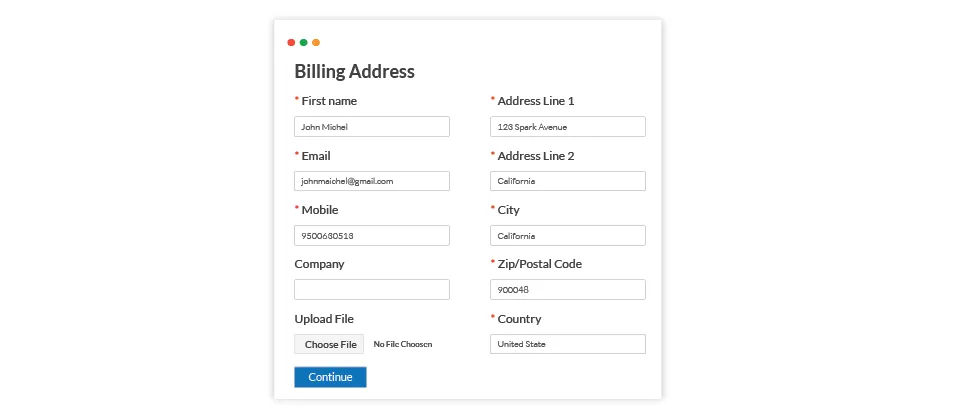
Let customers upload images or PDFs during checkout, such as artwork for printed products, and download every file per order from your admin.
The customer can upload an image or PDF to their order.
The store owner can download it from the app's backend and manage all the uploaded files for an order.
Upload one or more files during the checkout steps
Collect as many files as you want at the checkout layout. You could place one or more upload file options to achieve this.
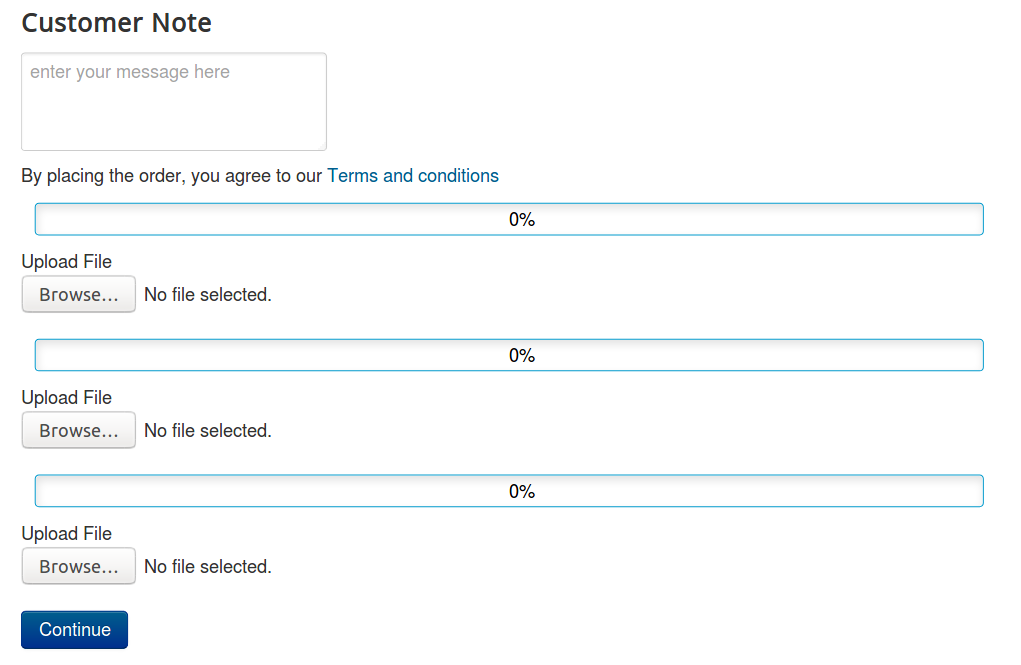
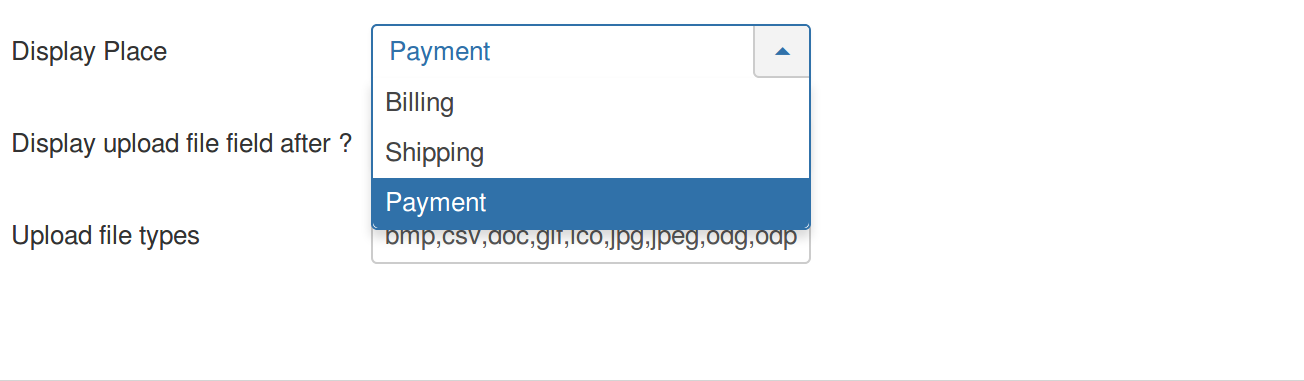
Control where to display the field
The app provides you the choice to control the position of the upload option. Place the option where you like, either in the billing address layout or in the shipping address layout or in the payment layout.
Manage uploaded files
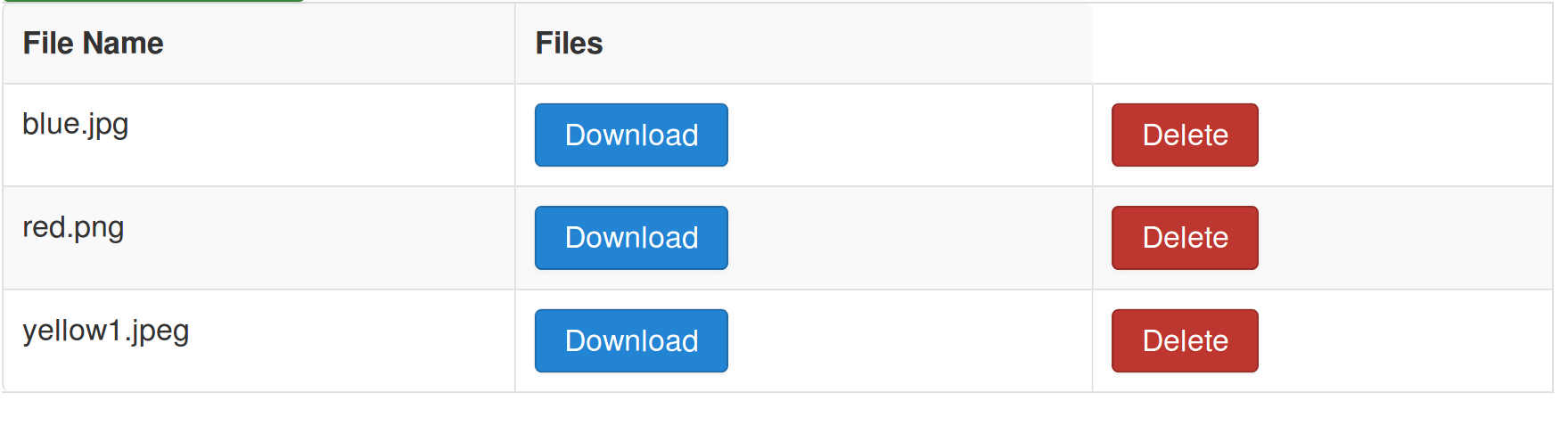
As an admin, you can manage the files uploaded by the users at the orders history page at the backend itself or at the app's settings.
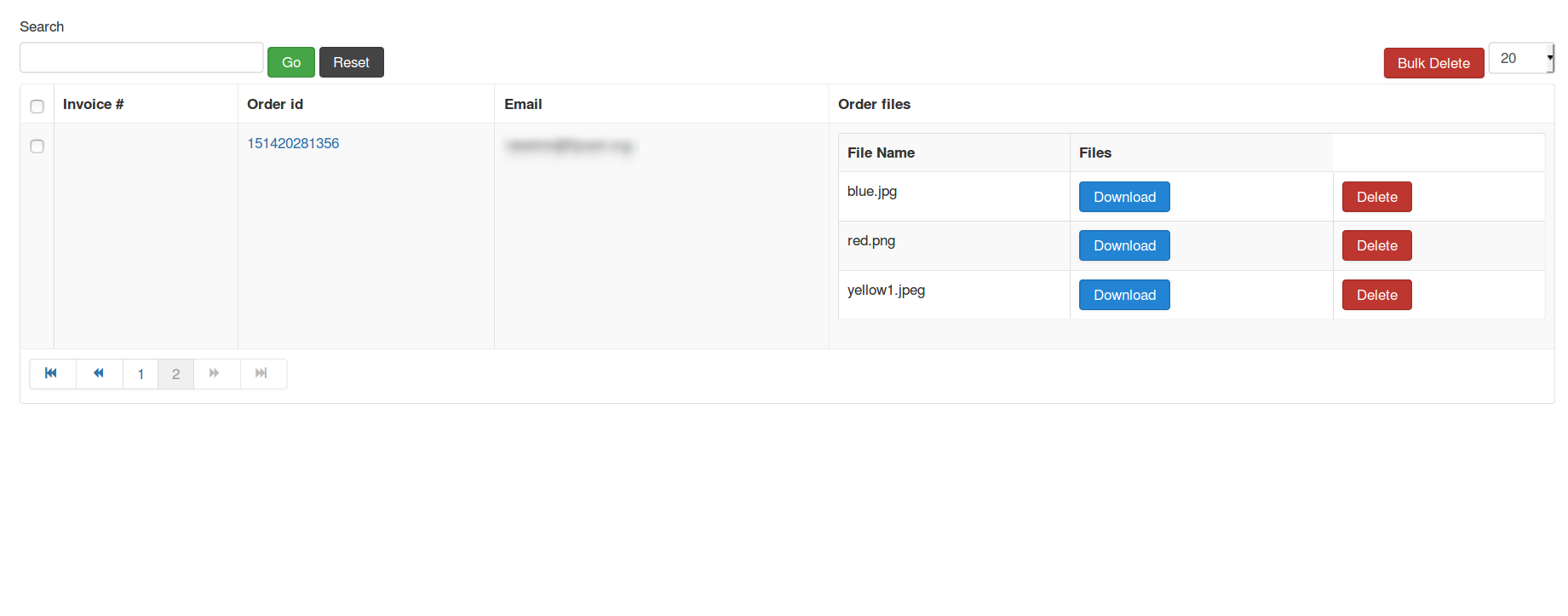
Download the uploaded files
Options to download the files shared by users are available on the orders history page and the app's settings page.
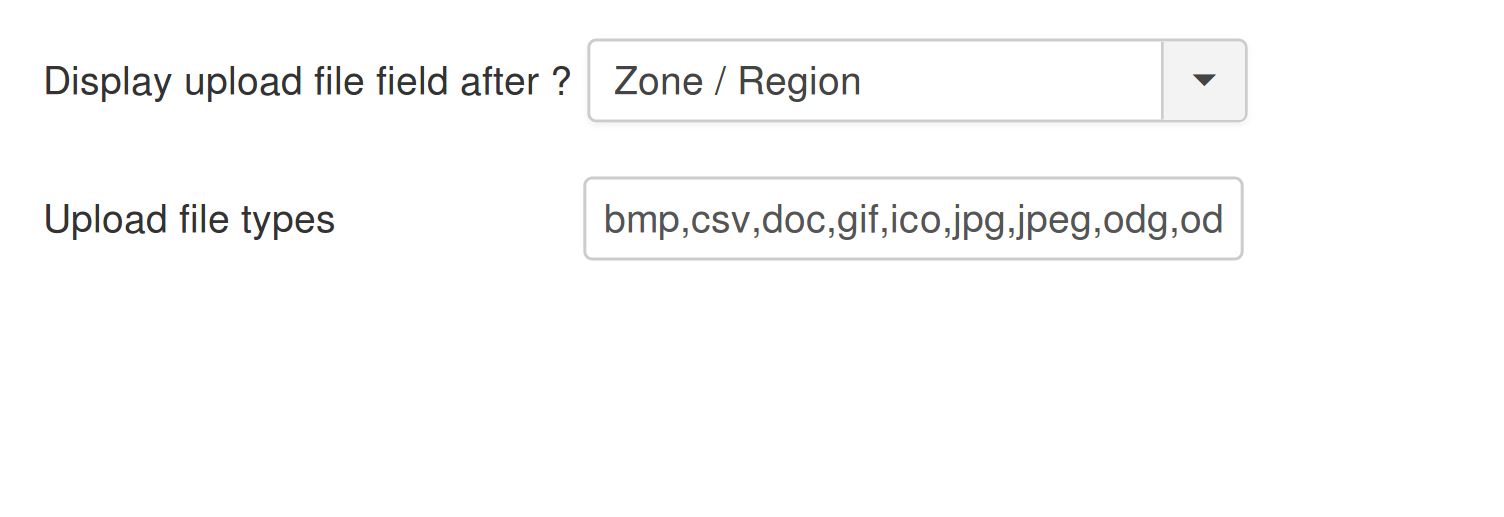
Control files types allowed for upload using the Joomla media manager
Restrict the type of files uploaded by the users at the checkout process by specifying the allowed file types in the plugin settings.
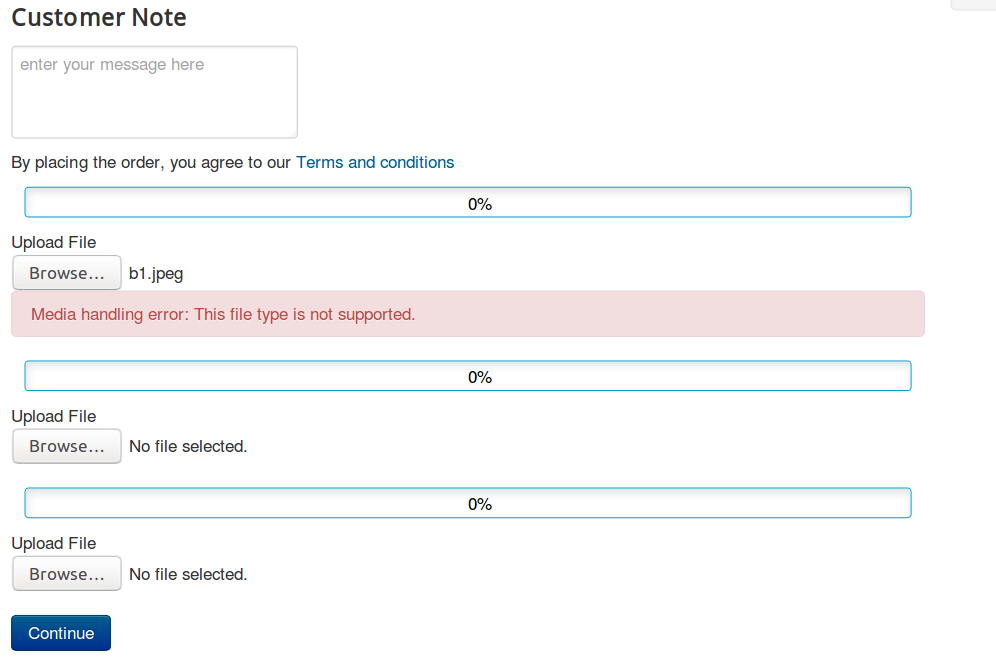
Secure uploading process using the Joomla Media Manager
Security is never compromised. Protection is double-checked using Joomla's media helper to avoid breaches.
Reviews
Write a Review
Log in to share your review.
Upload Files During Checkout
Let customers upload images or PDFs during checkout, then download and manage each order's files from the admin.
- Updates, downloads and support for the length of the license
- Your plugin keeps working after the license ends, and renewing brings new updates
- A step-by-step user guide for every setting, linked below
- Joomla
- Joomla 4Joomla 5
- J2Commerce
- J2Store 4





