

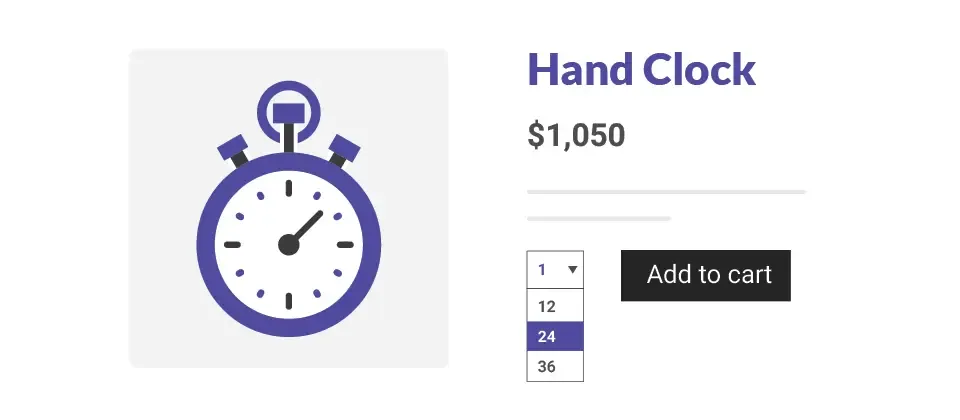
Show the total price on the product page as shoppers change the quantity.
Your product page normally displays the price for a unit quantity of a product. When a customer selects a higher quantity of the product, he can view the total price of the product only in his cart. But with this app he can automatically view the updated price for a higher quantity of the product in the same product page.
NOTE: The app will not work with grouped product types.
Enable/Disable price update for specific products
Choose whether the price should be updated at the product page itself. This parameter is available globally as well as product-wise.

Quantity box type
Choose the type of the quantity box. Specify pre-defined quantities in case of requirements or set up a placeholder for the quantity box.
Factors for quantity
Many times you might want to allow only quantities that are factors of a particular number. With this app, you can set up quantities that are factors of any number and restrict the maximum number that will be available as quantity.
Prefix and suffix texts
Provision to specify prefix and suffix
Reviews
Write a Review
Log in to share your review.
Quantity Dropdown
Show shoppers the updated product price on the product page as they change the quantity. It does not work with grouped products.
- Updates, downloads and support for the length of the license
- Your plugin keeps working after the license ends, and renewing brings new updates
- A step-by-step user guide for every setting, linked below
- Joomla
- Joomla 4Joomla 5
- J2Commerce
- J2Store 4





