
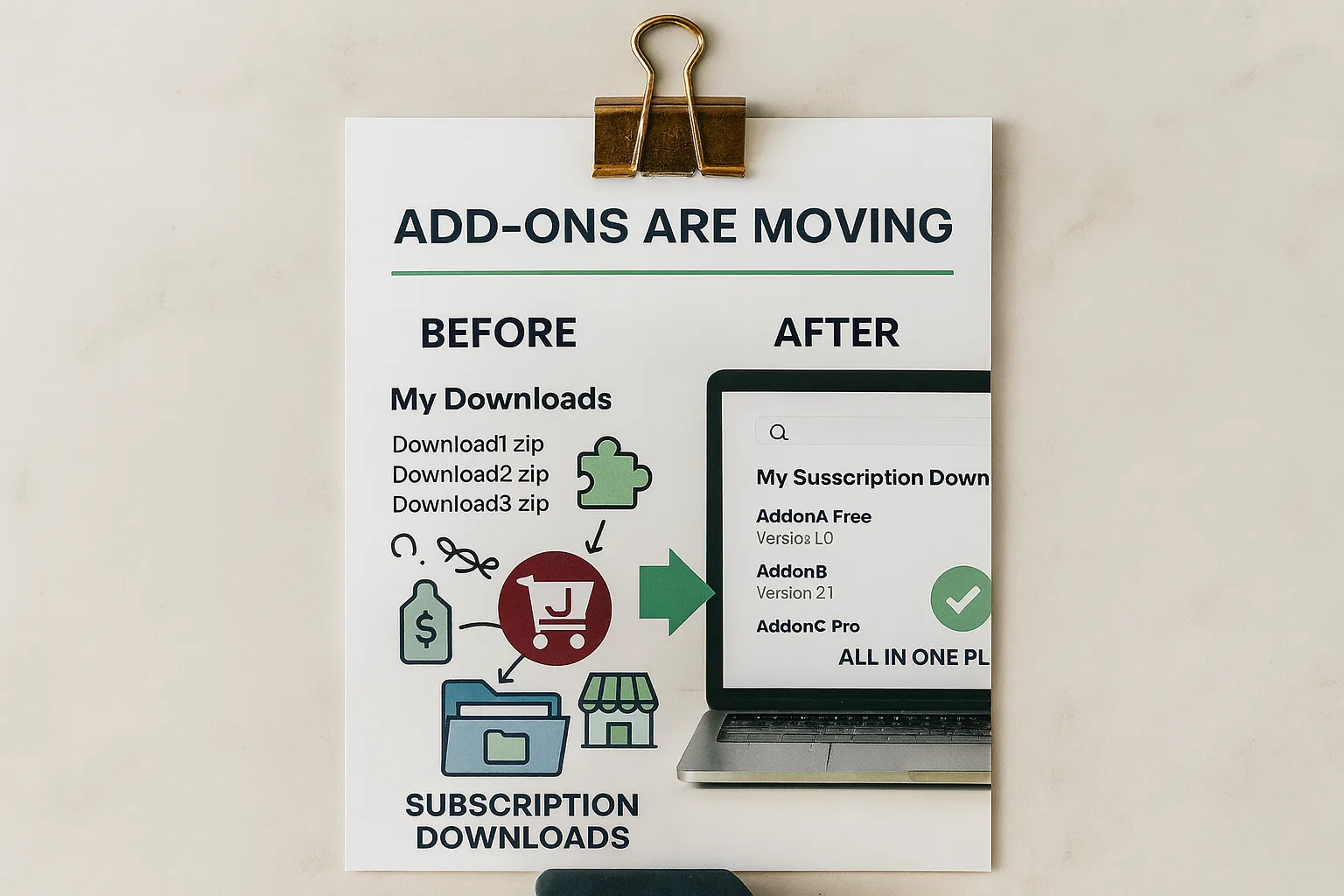
If you’ve logged into your account recently, you may have noticed two different download areas: “My Downloads” and “My Subscription Downloads.”
You’re not imagining it — it is confusing, and there’s a bit of history behind it.
How We Got Here
When we transitioned from J2Store to J2Commerce, our priority was simple:
give everyone access to the add-ons they needed as quickly as possible — and for free.
At that time, the Subscription system wasn’t ready yet. So we used what J2Commerce already offered:
“Downloadable” products.
You set a directory for the files, customers place an order, and they can download the add-on. Fast, simple, and it allowed us to support the entire community during the transition.
Why Things Are Changing
Over the past months, we’ve released several stable versions of most add-ons. We now feel confident offering them with a small price tag. Maintaining a core extension, providing support, and keeping nearly 200 add-ons up to date simply isn’t sustainable if everything remains free.
So here’s the plan:
- J2Commerce stays free.
- Add-ons that were originally paid extensions are gradually returning to paid status.
- The transition is slow but steady, so nothing changes overnight.
From “Downloadable” to “Subscription”
All add-ons — free or paid — are being moved from the old downloadable product type to the new subscription model.
Free Add-ons
Free add-ons remain free.
But instead of downloading them as “downloadable products,” you now acquire a free subscription, which gives you an access level tied to that add-on.
You’ll find these under My Subscription Downloads.
Paid Add-ons
As paid add-ons move back to their normal pricing, they also appear under My Subscription Downloads.
This means everything you’ve purchased or acquired — free or paid — will eventually live in one unified place.
Why This Is Better
The subscription area gives you:
- A searchable list of all your add-ons
- Access to all versions of each extension
- A single, consistent place to manage your downloads
No more guessing where a file is stored or which product type it belongs to.
During the Transition
Right now, you may still see a mix of:
- Old “My Downloads” items
- New “My Subscription Downloads” items
This is temporary.
As each add-on is migrated, it moves into the subscription system — and once everything is moved, your downloads will be clean, simple, and centralized.
What Happens on Your Joomla Site?
In most cases, updates will continue to work just fine.
But there are two situations where updates may fail, and here’s how to fix them:
Case 1: You had a free add-on, but it’s now paid
- The add-on has moved to a paid subscription.
- To receive updates, you need to:
- Purchase a subscription
- Add your Download ID in J2Commerce (→ Go to Setup → Configuration → Update tab)
Case 2: You have a free add-on, but it was moved to a free subscription
- Some add-ons remain free, but they now use the subscription system.
- We updated your access rights so you can access the files.
- To receive updates, you need to:
- Add your Download ID in J2Commerce (→ Go to Setup → Configuration → Update tab)