Important
On a new Joomla 6 install, before installing J2Commerce v4.1.x, go to plugins, filter by the 'behavior' plugin type and enable the Backward Compatibility 6 plugin and all its options.

On a new Joomla 6 install, before installing J2Commerce v4.1.x, go to plugins, filter by the 'behavior' plugin type and enable the Backward Compatibility 6 plugin and all its options.
If you do not have J2Commerce installed under Joomla 5 and you want to move your site to Joomla 6, first upgrade your Joomla site, enable the backward compatibility plugin and its options, then install J2Commerce v4.1.x.
There are 2 ways to do this, manually or via the Migration Checker.
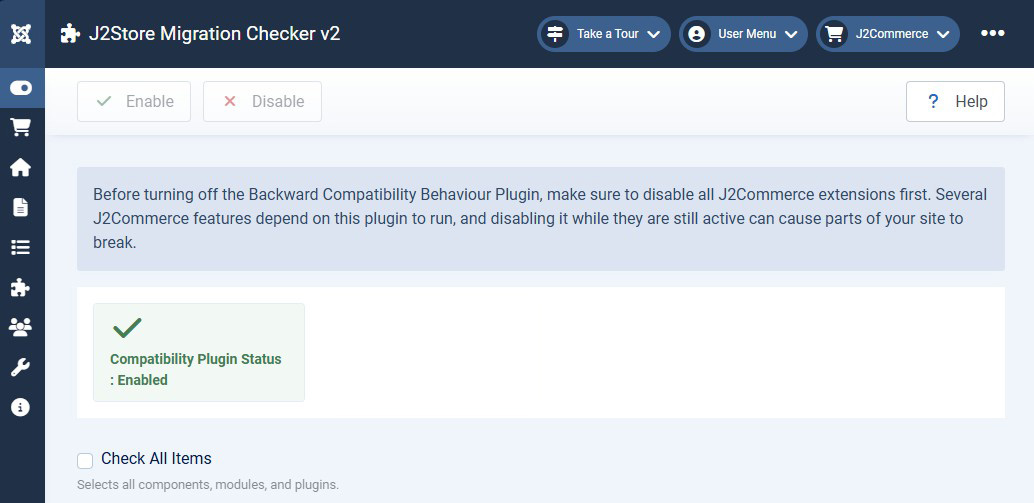
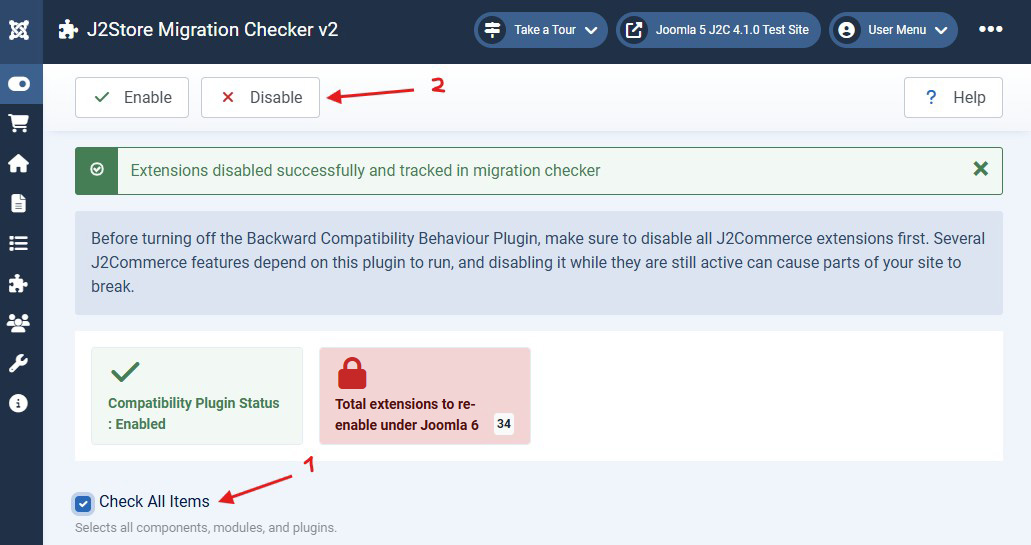
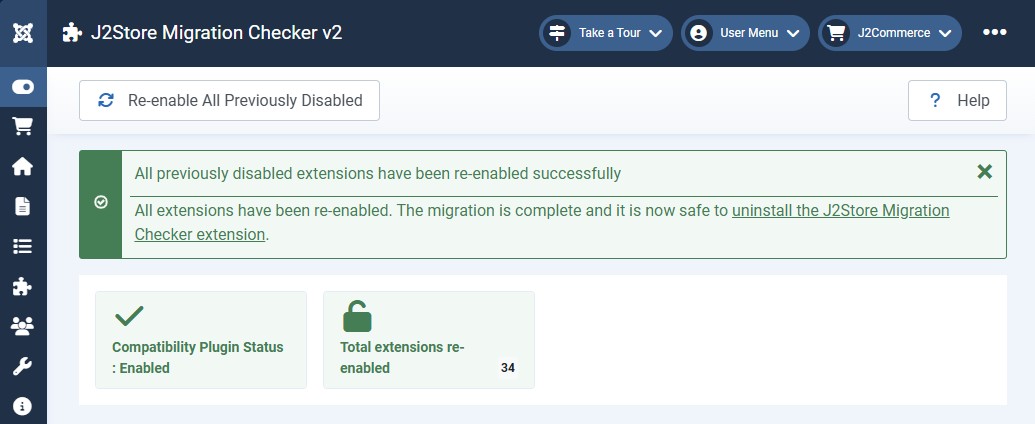
The utility remembers which extensions have been disabled and will only re-enable those same extensions later on during this process.
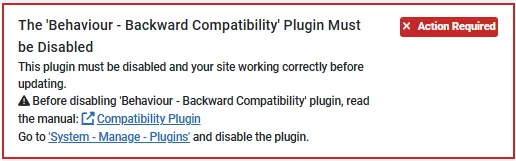
Follow the link and disable the Joomla 5 compatibility plugin.
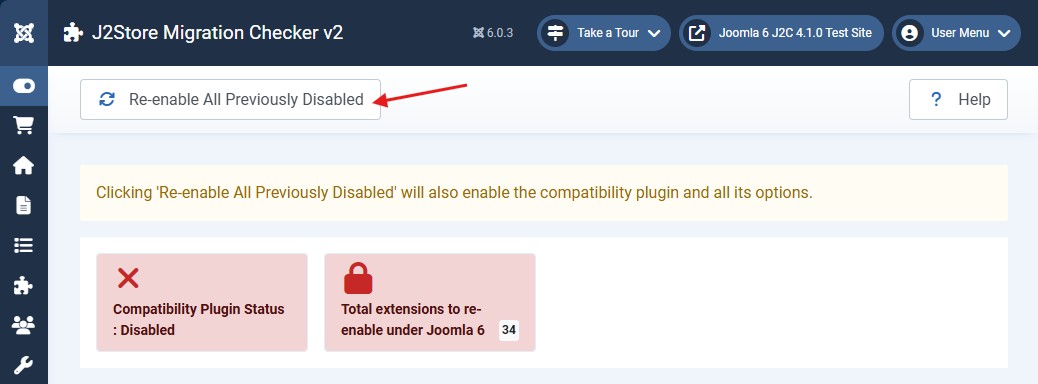
Go to the plugins page, filter by the 'behavior' plugin type and enable the Backward Compatibility 6 plugin and all its options.
Subscribe for free and be the first to know about the latest features, updates, and new additions.