

Real Rates. Real Delivery Dates. Zero Guessing.
Your customers are at checkout. That shipping field has one job. FedEx Shipping for J2Commerce makes sure it gives the right answer — every single time.
Everything Your Joomla Store Needs to Ship With FedEx
Plug in your FedEx account. Configure once. Let the carrier do the math at checkout — for every order, every destination, every time.
Live FedEx Rate Quotes
Real FedEx prices appear at checkout the moment a customer enters their address. Not guesses. Not flat-rate compromises. Actual carrier rates for that specific order going to that specific zip code.
13 FedEx Services
Ground, 2 Day, Priority Overnight, Express Saver, First Overnight, Home Delivery, Smart Post, International Economy, Priority, First, Ground, Europe First, and more. Enable exactly what your operation needs. Disable the rest.
Smart Box Packing
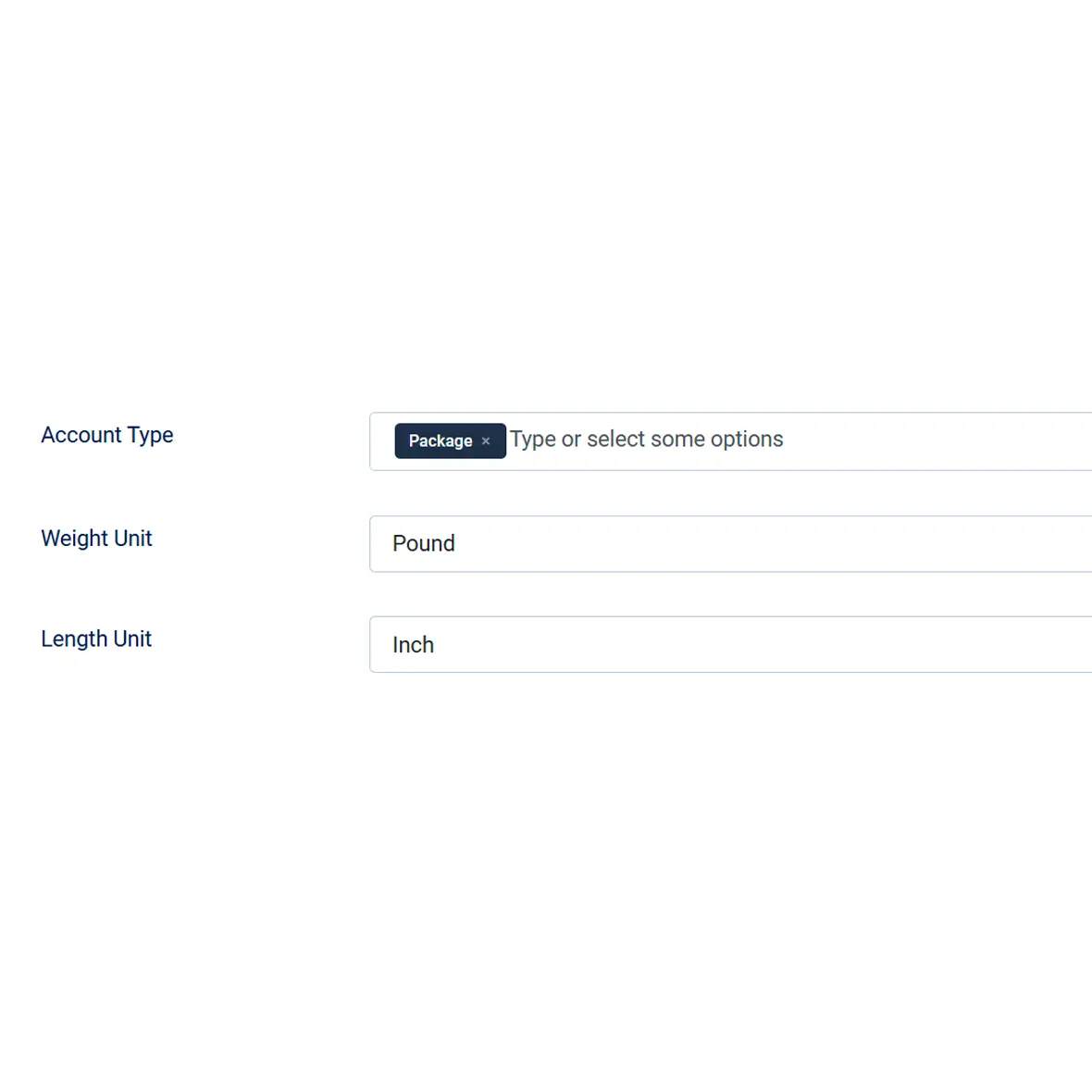
Choose per-item packing or intelligent bin-packing. Define your real box dimensions and the algorithm fits multiple products into the fewest containers. FedEx quotes for actual packages — not imaginary ones.
Delivery Date Display
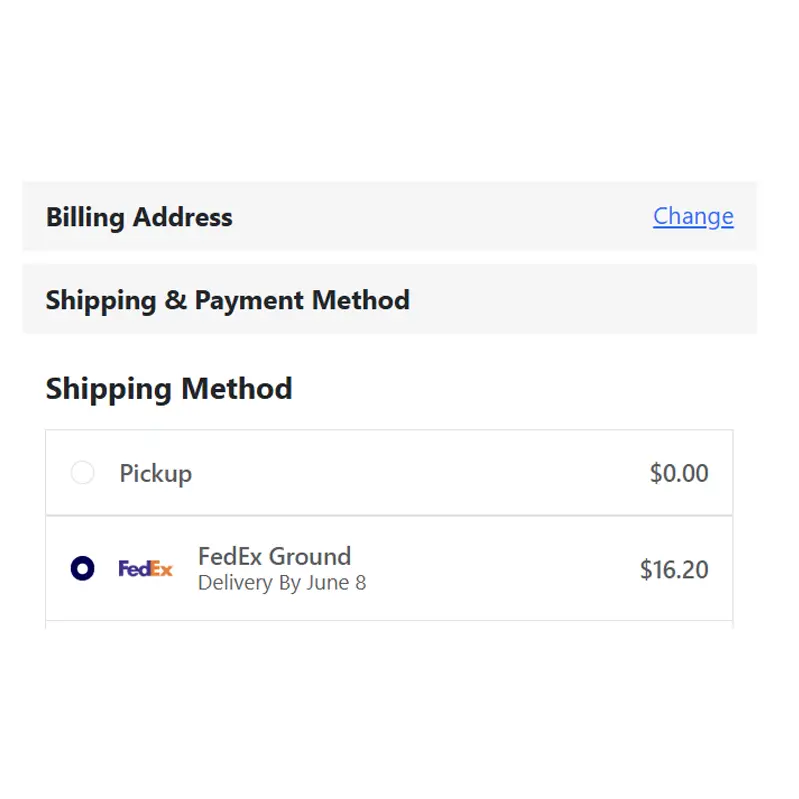
"Delivery By May 27" sitting right next to the service name and price. One toggle. Customers who can see the arrival date make faster decisions and ask fewer questions before they buy.
Account & OneRate Support
Pull account rates, list rates, or incentive pricing — whichever your FedEx deal provides. Or switch to OneRate for a flat price regardless of weight. Your negotiated discount belongs at checkout, not just on your invoices.
International Customs Support
Commodities, customs value, and declared value are built into international rate requests automatically. Your customers see accurate cross-border quotes. You don't manually enter customs data to get a number.
Delivery Time Filter
Set a maximum delivery window. Any FedEx service slower than your limit disappears from checkout automatically. If you advertise 5-day delivery on your homepage, the plugin enforces it without a second thought.
Handling Fee — Flat or Percent
Add your packaging cost and labor as a flat amount or a percentage of each FedEx rate. It's baked into the number before the customer sees it — not itemized on the invoice later.
Geo Zone & Residential Controls
Restrict FedEx to specific geographic zones so it only shows where it makes sense. Flag residential destinations so the residential surcharge is included in the rate — and your invoice matches what you quoted.
Real-World Use Cases
Your Store. Your Server. Your Data.
FedEx Shipping for J2Commerce is a native Joomla 6 extension. It installs through Joomla's standard installer, updates through Joomla's standard updater, and runs entirely on your own server. When your customer's address is sent to FedEx for a rate quote, it goes directly from your server to the FedEx API — no relay, no third-party service sitting in the middle. Twenty language packs are included so your team configures it in their language. Auto-update server support means you always run the current version without hunting for downloads. This is what modern Joomla ecommerce shipping infrastructure looks like.
Stop Guessing. Start Quoting FedEx Like You Mean It.
Your customers are at checkout right now. Give them a real number from a real carrier — and stop funding the difference out of your own margin. Seriously.
Translated In The Following Languages
Arabic Unitag (ar-AA), Chinese, Traditional (zh-TW), Danish (da-DK), Dutch (nl-NL), English (en-GB), English, USA (en-US), Finnish (fi-FI), French (fr-FR), German (de-DE), Greek (el-GR), Hebrew (he-IL), Italian (it-IT), Japanese (ja-JP), Norwegian Bokmål (nb-NO), Persian Farsi (fa-IR), Polish (pl-PL), Portuguese, Brazil (pt-BR), Portuguese, Portugal (pt-PT), Russian (ru-RU), Spanish (es-ES), Swedish (sv-SE), Turkish (tr-TR)
License Information
An active license entitles you to updates, downloads, and support for the duration of the license period. You may continue using this plugin indefinitely without an active license; however, support, updates, and downloads will not be available while your license is inactive.
- Developer J2Commerce
- Extension Type Shipping
- J2Commerce Version 4.x, 6.x
- Joomla Version 4.x, 5.x, 6.x
 Arabic Unitag
 Chinese, Traditional
 Danish
 Dutch
Dutch English
 English, USA
 Finnish
 French
 German
 Greek
Greek Hebrew
 Italian
 Japanese
 Norwegian Bokmål
 Persian Farsi
 Polish
 Portuguese, Brazil
 Portuguese, Portugal
 Russian
 Spanish
 Swedish
 Turkish
Fix Fix do not only use address id to get rates, use user id to ensure the address belongs to the user
Update #Casing fixed for type attribute of fields
Fix use type="Geozone" so the field loads on Linux
New Feature J2Commerce v6 and Joomla 6 support
New Feature Support for Joomla 6
New Feature J2Commerce v4 and Joomla 4/5 support
The Packing Problem, Finally Solved
Flat-rate shipping fails because packing is fiction. One item is easy. But a dozen candles, a vase, and a cast-iron skillet going to the same address? Pack everything individually and FedEx quotes 14 packages. That number is absurd and your customer knows it.
Intelligent box packing fits your real-world inventory into your real-world boxes. The algorithm selects the best arrangement, requests the right number of containers, and your customer sees a quote that matches what you're actually going to ship.
- Define your real box dimensions with weight limits
- FedEx preset packaging dimensions pre-loaded (Envelope, Pak, Box, Tube, 10 kg, 25 kg)
- Automatic fallback to per-item packing for items that don't fit
"Delivery By May 27" Is a Conversion Tool
Most ecommerce stores show a service name and a price. The FedEx Shipping plugin can show a third thing: the estimated arrival date. That date converts uncertain browsers into confident buyers.
When customers can see that their order arrives before the birthday, the holiday, or the event, they stop hesitating. They stop emailing "when will it get there?" They check out. Simple math.
- Estimated delivery date shown beside each service name
- One toggle in plugin settings — off by default, on in seconds
- Fewer pre-purchase support questions about delivery timing
Test Before You Commit
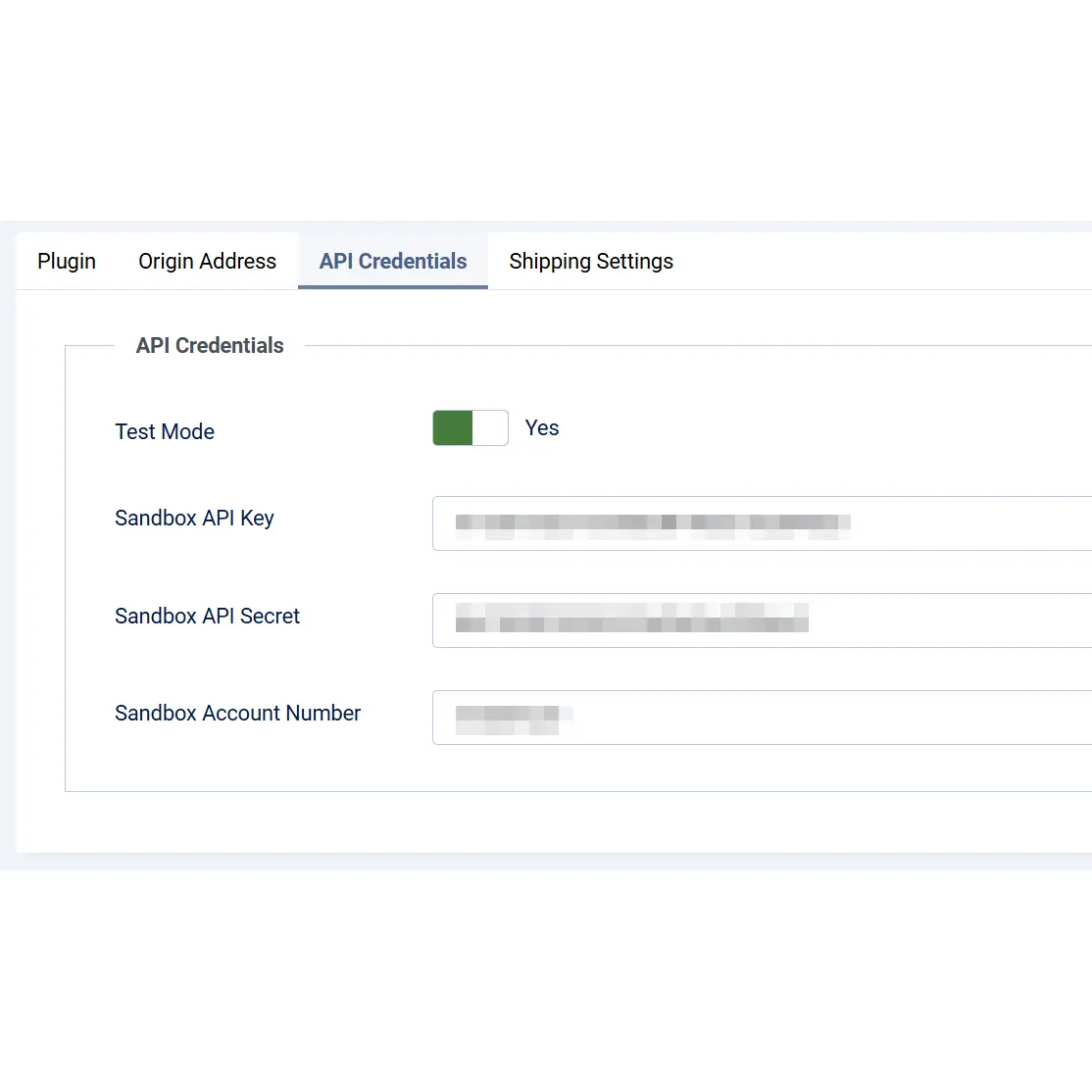
Dual API mode means you configure against the FedEx sandbox first. Every setting, every service, every packing option — validated before a real customer ever sees the checkout. When you flip to production, you already know it works.
The debug logging mode gives you a detailed record of every FedEx interaction. If something goes wrong after go-live, you know exactly what the request contained and what FedEx said back — in minutes, not days.
- Separate sandbox and production API credentials
- Switch between modes with one toggle
- Debug logging for fast diagnosis of any configuration issue
You may also be interested in these products




Stay Updated
Subscribe for free and be the first to know about the latest features, updates, and new additions.