
Gear That Goes With the Tent
Outdoor Gear Store
A customer adds a tent to the cart, and the module shows sleeping bags, camp pillows and a lantern that the store owner linked as cross-sells. The customer adds the extras before reaching checkout.
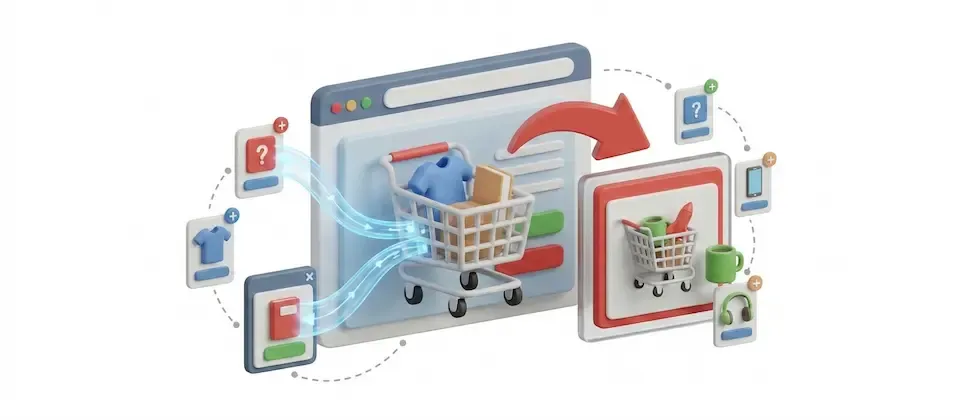
The Related Products module reads the shopper's cart and shows the upsells and cross-sells you linked to those products. Shoppers can add the extras to their cart right from the module.
The module looks at what is in the cart and shows the products you connected to it.
Suggestions come from the upsells and cross-sells set on each product in the shopper's current cart.
Products already in the cart are left out of the suggestions, and each product appears only once.
Show the add to cart button with product options, without options, or as a link to the product page, with an optional quantity field.
Set the number of items and the number of columns for the grid.
Show the base price, special prices and offers, so every deal reads clearly.
Show or hide the title, SKU, intro text and stock, set the intro text length, and choose whether titles and images link to the product.
Choose the thumbnail or main image, set its width and height, and place it at the top, left or right of each card.
The module builds its list from the products in the shopper's cart. Every upsell and cross-sell linked to those products is gathered, items already in the cart are removed, and only published, visible products are shown.
Shoppers add recommended products from the module instead of visiting each product page. Products with options can show their option picker right in the card, or you can send shoppers to the product page for items that need a closer look.
The Related Products module suggests the extras you linked to every product in the cart.
How stores use the Related Products module to grow every order.
Outdoor Gear Store
A customer adds a tent to the cart, and the module shows sleeping bags, camp pillows and a lantern that the store owner linked as cross-sells. The customer adds the extras before reaching checkout.
Electronics Store
A customer adds a base-model wireless speaker, and the module shows the premium version the store linked as an upsell, with its special price displayed. The customer sees the difference and decides on the spot.
Translated into 1 language.
 English (United Kingdom)
en-GB
Log in to share your review.
Show the upsells and cross-sells linked to the products in a shopper's cart, and let them add the extras without leaving the page.
Turn your category list into an image-led grid or a swipeable slider that shoppers actually want to tap.
Give shoppers a slide-out cart drawer with a free shipping progress bar and inline coupons, so they never leave the page to see their cart.
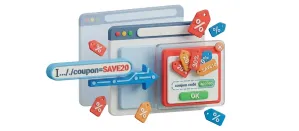
Put a coupon code in a link, and shoppers who click it land with the discount already applied and a branded popup confirming it.
Shoppers pick their address from Google suggestions and your checkout fills in the fields, which saves a lot of typing on a phone.